Clear roles
Administrator, manager, cleaner and delivery driver cover the usual organisation of an operations team.
User permissions management by role: administrator, manager, cleaner, delivery driver. Everyone sees only what concerns them, and amounts stay on the management side.

The problem
A shared spreadsheet shows prices to cleaners; a tool that is too closed forces the manager to do everything themselves. In between, a team leader should see their sector without accessing the company's figures.
What it does
Administrator, manager, cleaner and delivery driver cover the usual organisation of an operations team.
Beyond these roles, an access profile can be set screen by screen and sector by sector.
Each person only accesses the data for their role, and exchanges are encrypted.
How it works
One person, one role, with an adjusted access profile if needed.
A team leader, for example, can be limited to their sector and the screens they use.
Cleaners find their jobs, drivers their round, managers their schedule.
A new team leader, a new sector: the access profile adapts.
Who it is for
 Cleaning companiesKeep every slot between check-out and check-in, prove the service and invoice without re-entry.
 HotelsToday's room plan, check-outs and stayovers shared out, housekeeper inspection before the room goes back on sale.
 Rental management companiesProperties ready at every check-in, coordinated contractors and owners kept informed without a call.
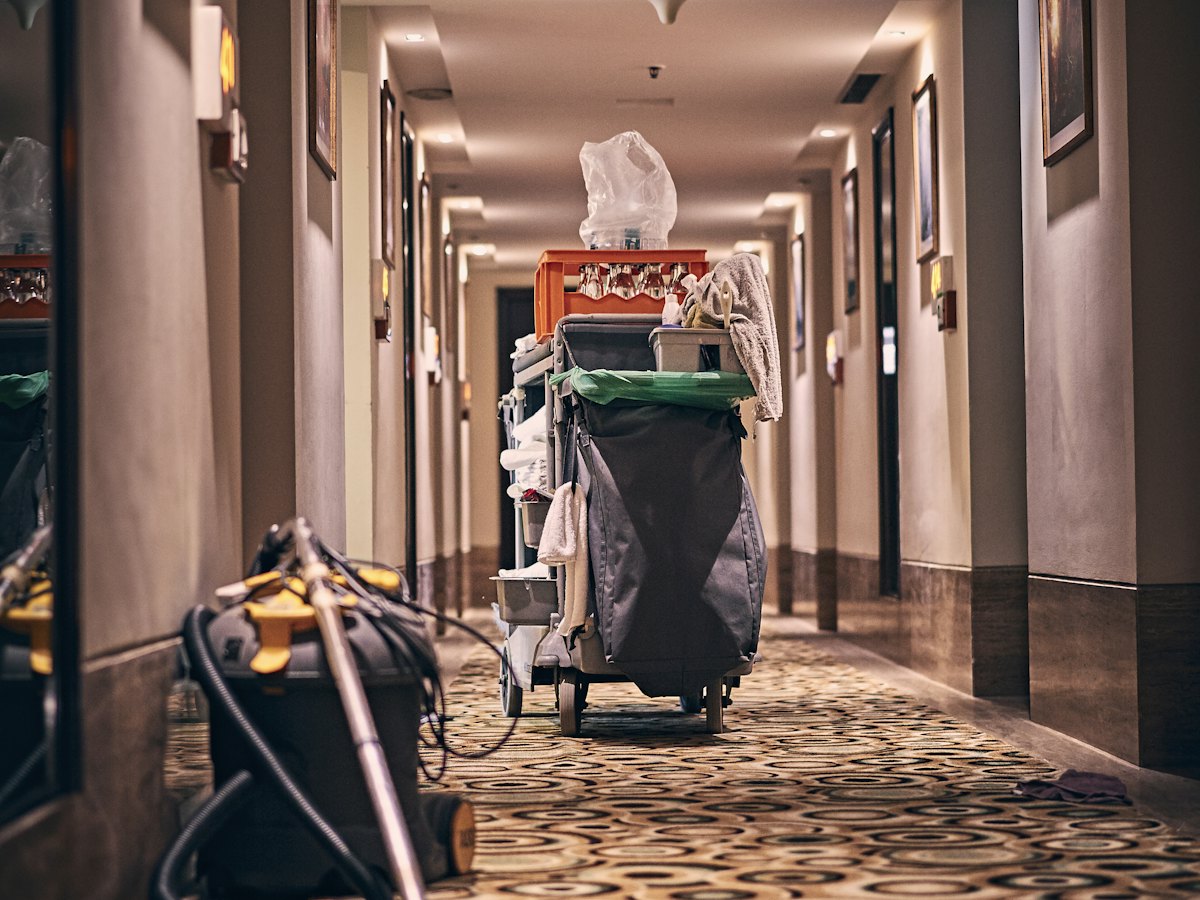 Aparthotels and residencesFull check-out cleans and stayovers shared out by floor, housekeeper inspection and a linen room under control.
In the same section · Teams & contractors
Frequently asked questions
Scheduling, rounds, linen, photos and finance: leave your details and we will call you back to see what The Big One changes for your properties.
See the featuresAlready a client? Sign in