The reference in view
Cleaners see what is expected while framing: shots look alike from one visit to the next.
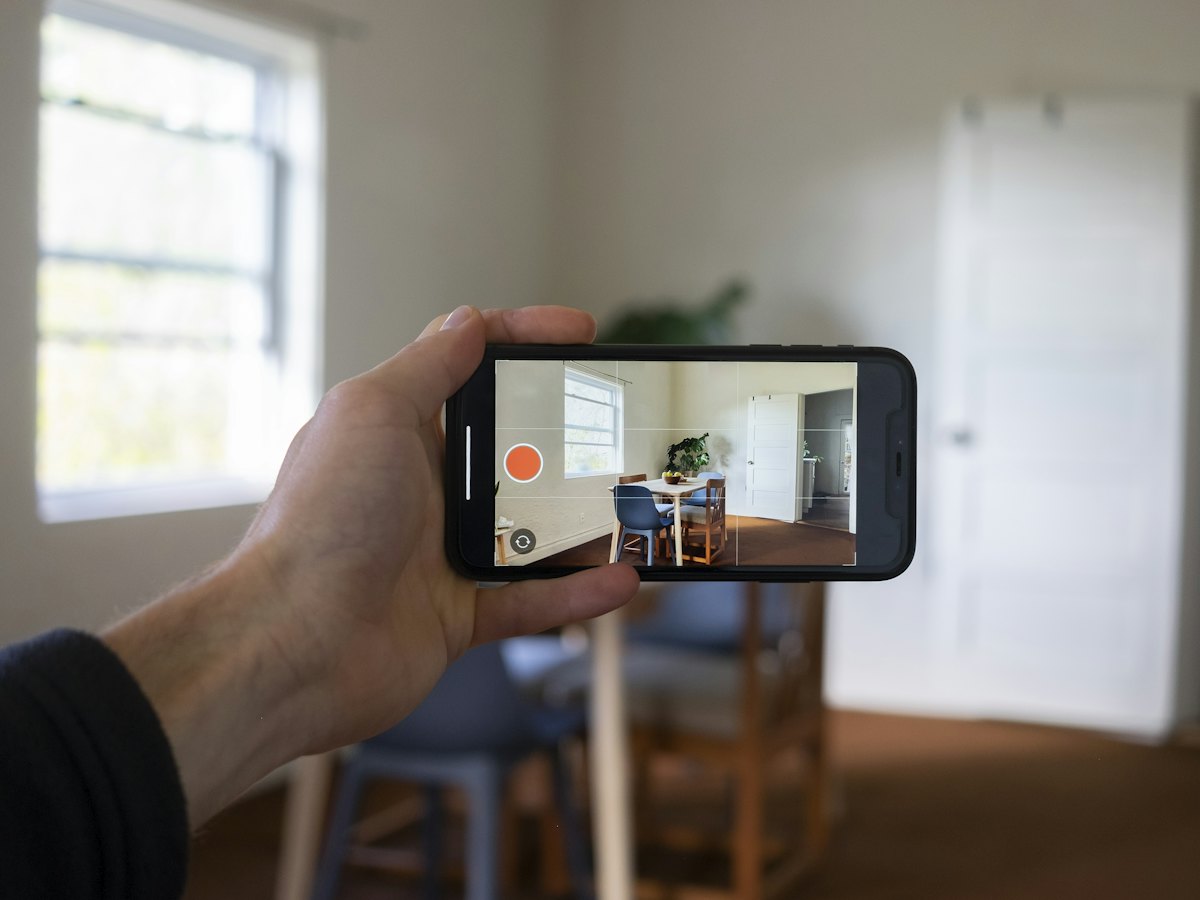
An inventory check app with photos built into the job: the camera stays open, the instruction at the top, the reference photo at the bottom, and the cleaner moves room by room.
The problem
Every cleaner takes photos their own way: a different angle, a forgotten room, a blurry shot. When it is time to compare the start and end of a stay, or to answer an owner, the pictures prove nothing.
What it does
Cleaners see what is expected while framing: shots look alike from one visit to the next.
The property checklist sets the shots: at the start and end of a stay, photos can be compared picture by picture.
A failed photo can be retaken, damage reported with a comment, and video takes over when a picture is not enough.
How it works
At the top of the screen, what to photograph; at the bottom, the property's reference photo.
They align their shot with the expected view, then confirm it.
Blurry shot, they start again; damage spotted, they add a comment or start a video, without leaving the camera.
When sent, photos and videos join the job report, ready to share.
Who it is for
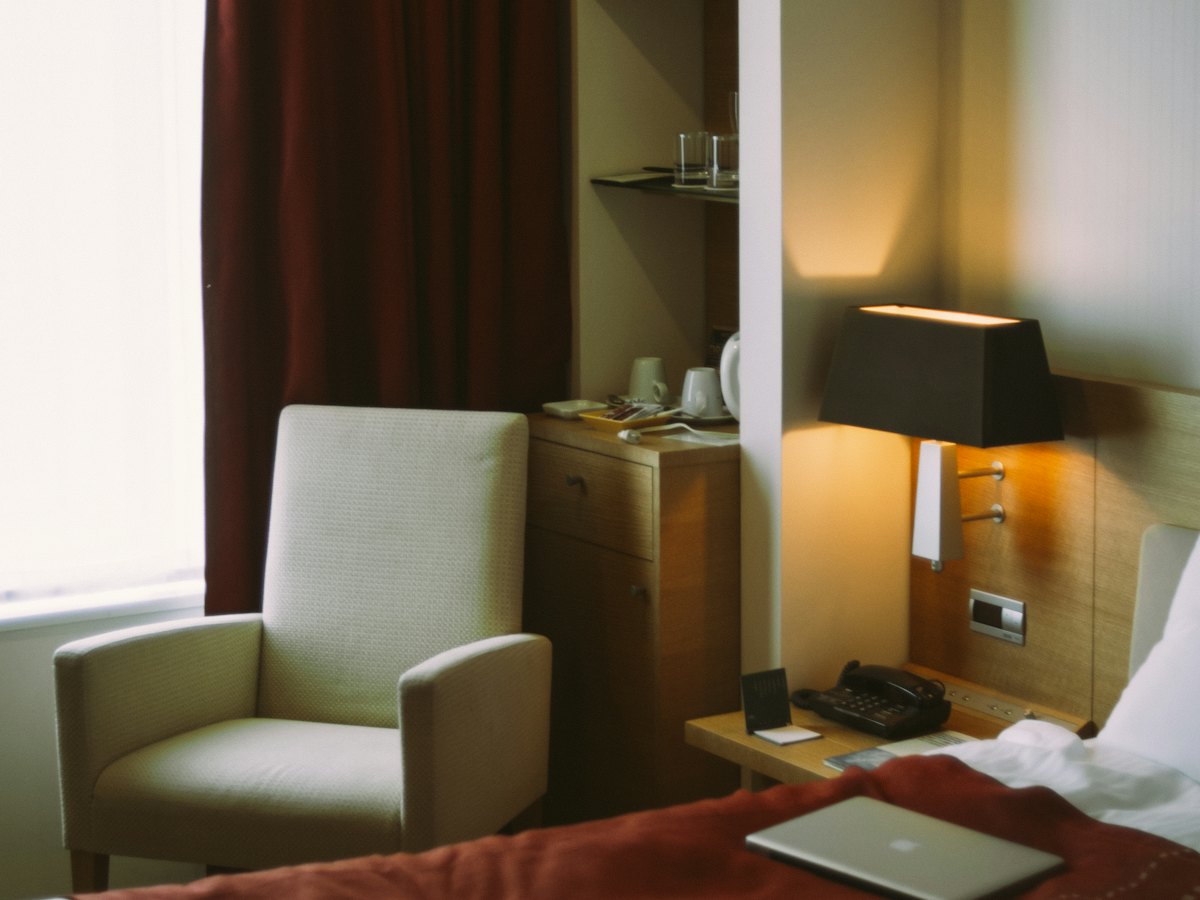 Corporate housing and mid-term staysPhoto inventory checks at every check-in and check-out, stocktake and cleaning during stays of several months.
 Student residences and colivingTurnover before the new term, common areas at a fixed frequency and rooms let short-term in summer.
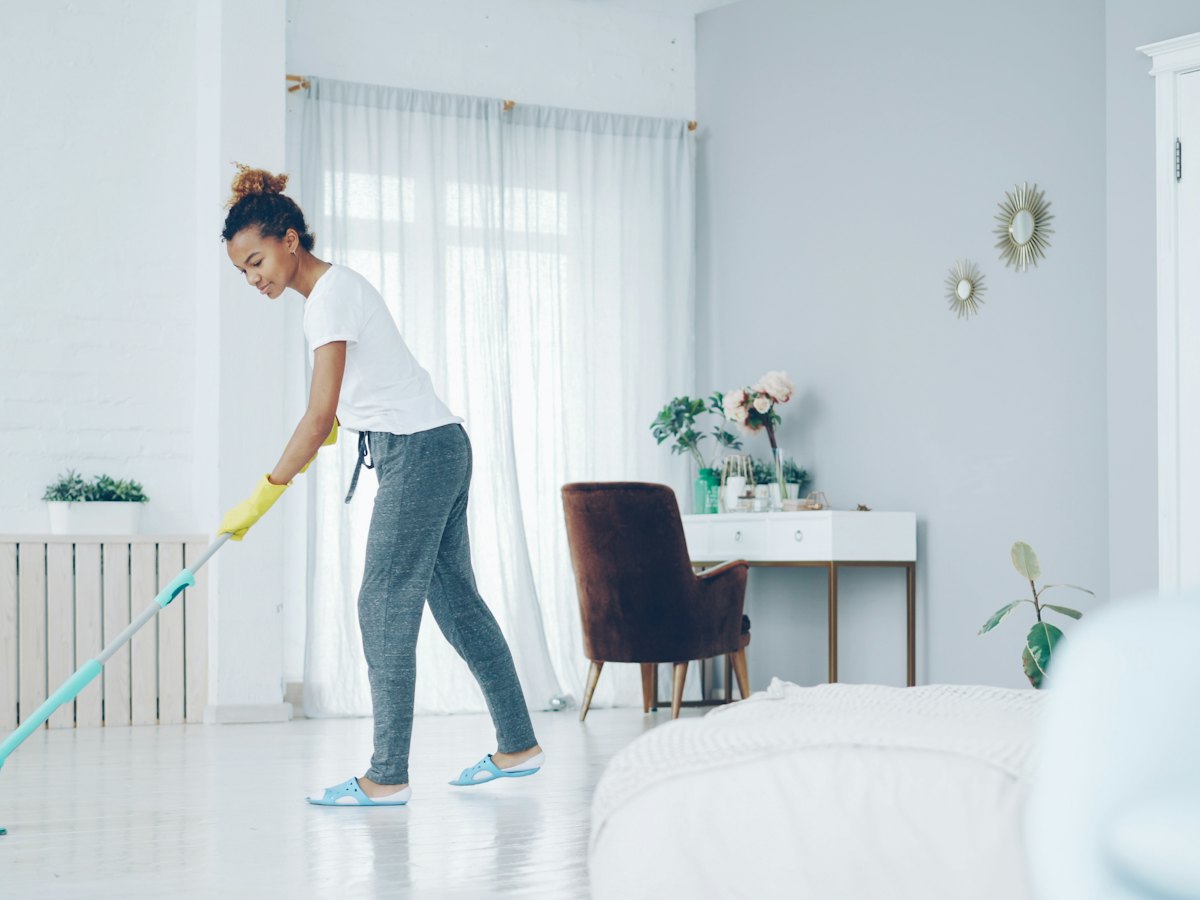 Cleaning companiesKeep every slot between check-out and check-in, prove the service and invoice without re-entry.
 Multi-property ownersSeveral holiday lets managed directly: cleanings go out on their own, proof comes back on its own.
In the same section · Field & mobile
Frequently asked questions
Scheduling, rounds, linen, photos and finance: leave your details and we will call you back to see what The Big One changes for your properties.
See the featuresAlready a client? Sign in